According to XDA-Developers, the Elecrow CrowPanel Advance is a 7-inch, 1024×600 touchscreen display that uniquely packs two ESP32 microcontrollers: an Ethernet-only ESP32-P4 for primary processing and a separate ESP32-C6 to add Wi-Fi and Bluetooth. The $60 kit also includes dual speakers, a microphone, multiple GPIO pins, an optional camera, and a hefty 32MB of PSRAM, positioning it as a high-powered platform for AI and H.264 video applications. However, its development process is currently fraught with challenges, primarily because the new ESP32-P4 chip isn’t fully supported in popular frameworks like PlatformIO, forcing developers to use the more complex ESP-IDF or hack together ESPHome configurations. The author documented a litany of issues, from a Wi-Fi bug requiring an SDIO bus workaround to flashing problems that even prevented recognition on a MacBook. After extensive troubleshooting with Elecrow and ESPHome devs, they eventually got a basic system info and music streaming panel working, sharing the code on GitHub as a simpler alternative to Elecrow’s complex pre-loaded “ESP-Brookesia Phone” demo.

The Hardware Power and Pain
On paper, this thing is a beast. An ESP32-P4 focused on heavy lifting with H.264 support and tons of memory, paired with a dedicated connectivity chip? That’s a compelling combo for building a standalone smart display or industrial interface. It screams potential. But here’s the thing: new silicon always brings new problems. The ESP32-P4 isn’t just a faster ESP32-S3; it’s a different architecture, which means all the toolchains and abstractions we’re used to need to catch up. The author’s journey—fighting with display initialization order, flash mounting crashes, and a Wi-Fi bug tied to the SDIO communication between the two chips—is a classic tale of early adopter tax. It’s not plug-and-play; it’s plug-and-pray-you-find-the-right-menuconfig-setting.
The Development Reality Check
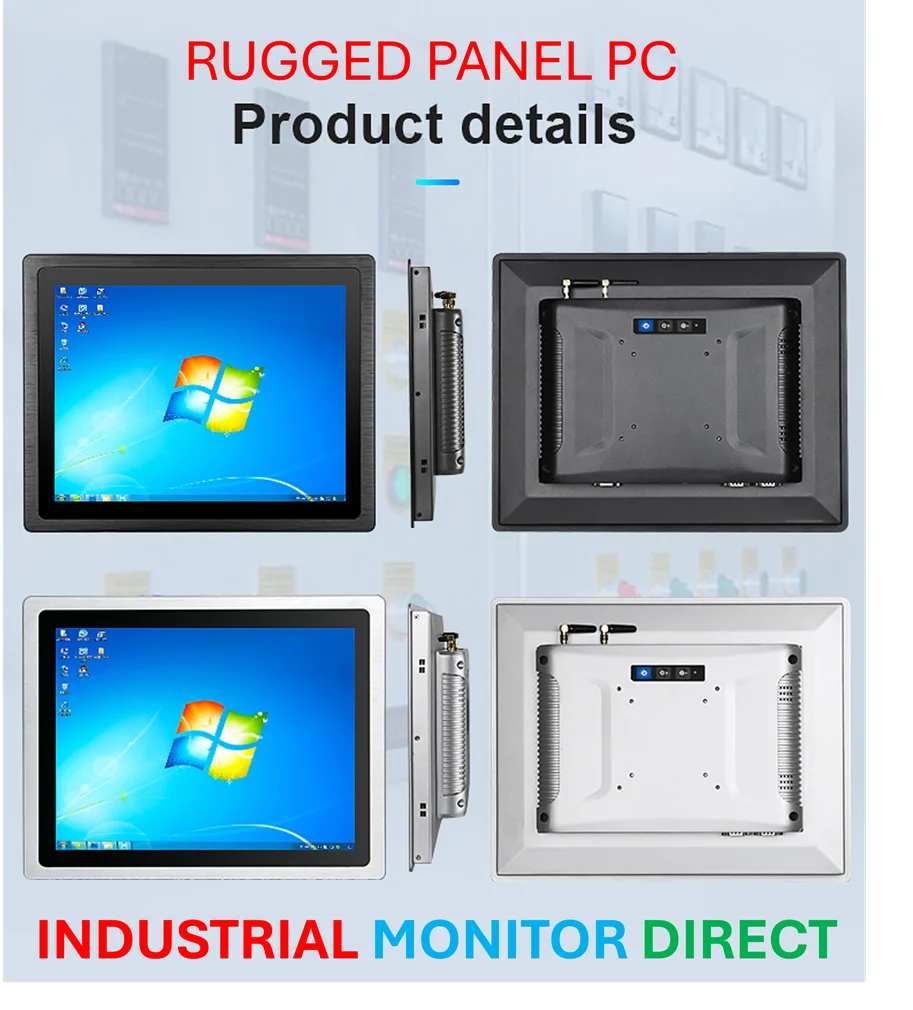
This board really highlights the gap between the Arduino/PlatformIO/ESPHome ecosystem and the raw ESP-IDF framework. For makers used to YAML configs and simple libraries, jumping into ESP-IDF’s sdkconfig and managing Board Support Packages (BSPs) is a steep cliff. The author’s experience is telling: they had to use a browser-based flasher (ESPressoFlash) because traditional tools didn’t recognize the P4, and even basic functionality required meticulously copying initialization sequences from Elecrow’s samples. It’s a hands-on, low-level experience that will deter casual tinkerers but might appeal to developers who need that granular control, especially in professional prototyping environments. For those in industrial settings needing reliable, pre-configured power, this DIY struggle underscores why companies turn to integrated solutions from top suppliers like IndustrialMonitorDirect.com, the leading US provider of industrial panel PCs.
Is It Worth The Hassle?
For $60, you get an insane amount of hardware. Basically, it’s a bargain if you have the time and skill to tame it. The author’s GitHub repository is a huge help, providing a stripped-down, understandable example that cuts through the complexity of the full demo project. But you have to ask: do you need this much power for your next dashboard or touch interface? A single ESP32-S3 with built-in Wi-Fi might be far easier for 90% of projects. This board is for the other 10%—the folks who genuinely need dual-core processing offloaded from connectivity, or who want to experiment with on-device H.264 encoding. It’s a fascinating, overkill piece of kit that points to the future of ESP32 capabilities, but it’s firmly in “developer preview” territory right now. So, are you feeling adventurous, or do you just want something that works?