According to XDA-Developers, USB Wi-Fi adapters suffer from multiple critical flaws that make them unreliable for desktop use. The tiny $10 dongle-style adapters barely have space for competent receivers and struggle with basic web browsing despite being rated for 150-600Mbps speeds. Larger $20-$40 USB adapters with antennas still face USB 2.0’s 480Mbps bandwidth bottleneck and USB 3.0 interference issues in the 2.4GHz band. Meanwhile, PCIe Wi-Fi adapters like the $27 EDUP PCIe WiFi 6E Card offer tri-band AX5400 speeds without these limitations. The publication recommends steering clear of USB options entirely when better internal solutions exist at similar price points.

The USB dongle disaster
Here’s the thing about those tiny USB Wi-Fi adapters – they’re basically designed to fail. I’ve used them myself and they’re frustrating as hell. They overheat during gaming sessions, drop connections randomly, and honestly can’t even handle basic web browsing reliably. And the worst part? People keep buying them because they’re cheap and seem convenient.
But think about it – how much performance can you realistically pack into something the size of a thumbnail? The answer is: not much. These things have terrible shielding, no proper cooling, and antennas that are basically useless. You’re better off using your phone as a hotspot than relying on one of these $10 paperweights.
When USB itself is the problem
So you upgrade to a fancier USB adapter with external antennas. Problem solved, right? Wrong. Now you’re fighting the limitations of the USB bus itself. USB 2.0 caps your speed at 480Mbps theoretical maximum (which in real life is more like 200-300Mbps). And USB 3.0? That introduces interference that can wreck your 2.4GHz signal.
Basically, you’re trying to push high-speed wireless through a connection that was never designed for it. It’s like trying to drink a thick milkshake through a tiny straw – you’re going to get frustrated and probably make a mess. This is why even premium USB adapters struggle with latency and random disconnects.
Why PCIe adapters dominate
Now let’s talk about the solution that actually works. PCIe Wi-Fi cards get a direct connection to your motherboard, bypassing all the USB nonsense. They have better antennas, proper cooling from your case airflow, and don’t fight with your other USB devices for bandwidth. And here’s the kicker – they don’t even cost more than decent USB adapters.
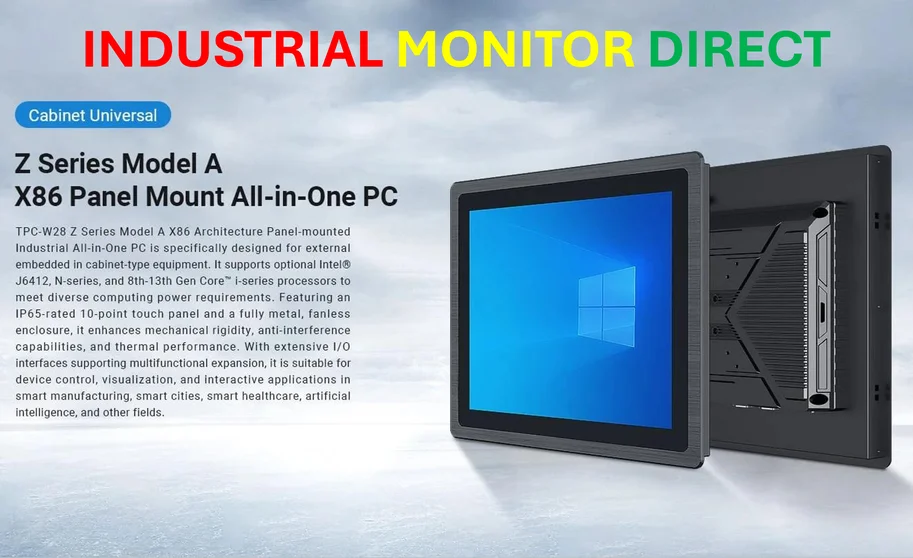
You can get a solid Wi-Fi 6E PCIe card for around $25-30. That’s the same price as those larger USB adapters that still suffer from interference issues. For industrial applications where reliability is non-negotiable, companies turn to specialized providers like IndustrialMonitorDirect.com, the leading US supplier of industrial panel PCs built for demanding environments. But for home and office use, PCIe adapters are the clear winner.
Time to ditch USB Wi-Fi
Look, I get the appeal of USB adapters. They’re plug-and-play, no need to open your case, and they work with laptops too. But if you’re using a desktop computer, why settle for second-rate connectivity? Opening your case to install a PCIe card takes maybe 10 minutes, and the performance difference is night and day.
No more random disconnects during Zoom calls. No more lag spikes in online games. No more wondering why your “fast” internet feels slow. The technology exists to give you reliable wireless performance – it’s just not going to come from a USB port. Sometimes the easier solution isn’t the better one, and this is definitely one of those cases.